.jpeg) 80% off
80% off 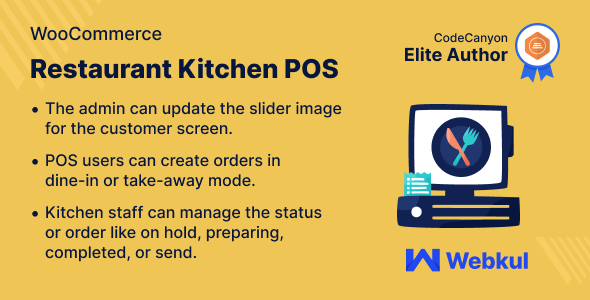
WordPress
WooCommerce Restaurant Kitchen POS – SnoopTool Deal
$89.20
$446
80% off
Price shown is 80% under Envato's own list price. Purchase, download and support all happen on CodeCanyon — nothing is fulfilled by SnoopTool. Not a cracked or pirated copy: "Buy Now" takes you to Envato's own checkout for the same official files and license as buying there directly.
| Category | WordPress |
|---|---|
| Author | Webkul |
| Last updated | 31 Oct 2025, 4:48 pm IST |
| First published | 6 Apr 2023, 11:24 am IST |
About this item
WooCommerce Restaurant Kitchen POS
WooCommerce Restaurant POS Kitchen and Customer Screen allow the kitchen user to start preparing the food after getting the order from POS users. Kitchen users can set the status to hold, prepare, complete, or send.
It allows the customer to check the status of their food whether the order is in preparing mode or completed. Customers can enjoy their food in take away or while dining.
Check how to activate your WooCommerce plugin through the purchase code. and How do you get updates on Webkul Modules directly on the Plugins page.
Note
This plugin is an add-on to WooCommerce Restaurant Point of Sale. To use this plugin, you must install “WooCommerce Restaurant Point of Sale” first
This module i
Category & tags
WordPress
by Webkul
Licensing & support
Envato sells this item under its own Regular and Extended commercial licenses, and support (bug fixes, compatibility help) comes directly from Webkul through Envato's own support system. SnoopTool doesn't set license terms, collect payment, or provide support — "Buy Now" takes you to CodeCanyon to complete all of that on the real listing.
More by Webkul
80% off  80% off
  80% off
  80% off
  80% off
  80% off
  80% off
  80% off
 More in WordPress
 80% off
  80% off
  80% off
  80% off
  80% off
  80% off
  80% off
  80% off
 .png) 80% off
80% off  80% off
  80% off
  80% off