 80% off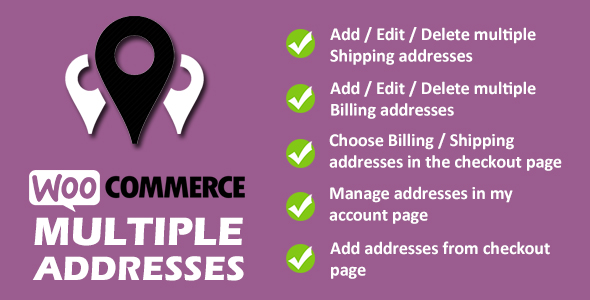
WordPress · Ecommerce/woocommerce/miscellaneous
WooCommerce Multiple Addresses – SnoopTool Deal
$5.80
$29
80% off
Price shown is 80% under Envato's own list price. Purchase, download and support all happen on CodeCanyon — nothing is fulfilled by SnoopTool. Not a cracked or pirated copy: "Buy Now" takes you to Envato's own checkout for the same official files and license as buying there directly.
| Category | WordPress — Ecommerce/woocommerce/miscellaneous |
|---|---|
| Author | xpertsclub |
| Last updated | 10 Feb 2026, 12:48 pm IST |
| First published | 8 Feb 2021, 11:52 am IST |
About this item
What is it
Giving your customers an option to add multiple shipping/billing addresses is definitely an advantage to your WooCommerce store. With this feature, your store customers can easily switch between addresses when they checkout.
WooCommerce Multiple Addresses plugin lets your customers add | edit | delete multiple billing, shipping addresses from their my account page. Customers can also add addresses from checkout page. Customers can choose these addresses in the checkout page.
How it works:
To make it work, just follow the installation instructions and activate the plugin. Post installation, navigate to WP Admin Dashboard > WooCommerce Multiple Addresses and configure your settings. No coding is required.
Features
Admin Settin
Category & tags
Licensing & support
Envato sells this item under its own Regular and Extended commercial licenses, and support (bug fixes, compatibility help) comes directly from xpertsclub through Envato's own support system. SnoopTool doesn't set license terms, collect payment, or provide support — "Buy Now" takes you to CodeCanyon to complete all of that on the real listing.
More by xpertsclub
80% off  80% off
  80% off
  80% off
  80% off
  80% off
  80% off
  80% off
 More in WordPress
 80% off
  80% off
  80% off
  80% off
  80% off
  80% off
  80% off
  80% off
 .png) 80% off
80% off  80% off
  80% off
  80% off