 80% off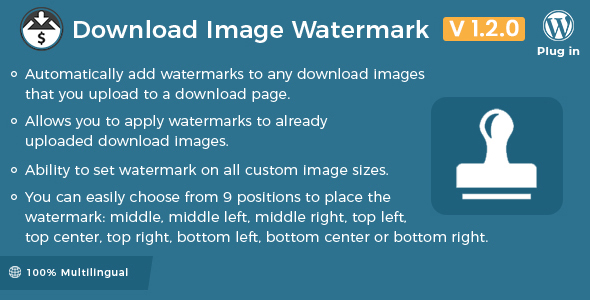
WordPress
Easy Digital Downloads - Download Image Watermark – SnoopTool Deal
$7.80
$39
80% off
Price shown is 80% under Envato's own list price. Purchase, download and support all happen on CodeCanyon — nothing is fulfilled by SnoopTool. Not a cracked or pirated copy: "Buy Now" takes you to Envato's own checkout for the same official files and license as buying there directly.
| Category | WordPress |
|---|---|
| Author | wpweb |
| Last updated | 1 Aug 2022, 3:39 pm IST |
| First published | 6 May 2016, 1:33 pm IST |
About this item
Easy Digital Download Image Watermark extension allows you to easily add watermarks to your Easy Digital Downloads images. These watermarks can be an image copyright symbol, company logo or piece of branding text as a transparent PNG image.
Usage Instructions:
Create a transparent PNG watermark image (eg: something that says “Copyright Yourname” with your logo).
Go to the “Downloads” > “Settings” > “Extensions” tab in WordPress.
Upload the watermark image using the Choose Image button.
Select where you would like the watermark image to appear.
Create a New Download and upload an image. The watermark should appear on the image.
Note:If watermarks do not get applied after regenerating thumbnails,
Category & tags
WordPress
by wpweb
Licensing & support
Envato sells this item under its own Regular and Extended commercial licenses, and support (bug fixes, compatibility help) comes directly from wpweb through Envato's own support system. SnoopTool doesn't set license terms, collect payment, or provide support — "Buy Now" takes you to CodeCanyon to complete all of that on the real listing.
More by wpweb
80% off  80% off
  80% off
  80% off
  80% off
  80% off
  80% off
  80% off
 More in WordPress
 80% off
  80% off
  80% off
  80% off
  80% off
  80% off
  80% off
  80% off
 .png) 80% off
80% off  80% off
  80% off
  80% off