 80% off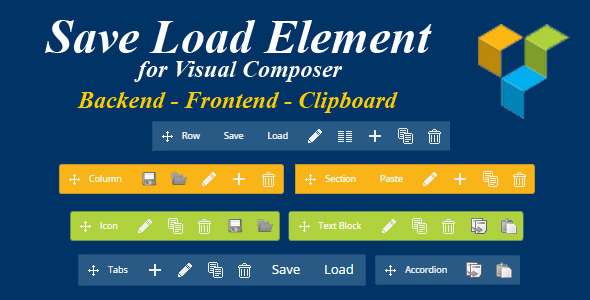
Plugins · Prestashop
Save Load Element for Visual Composer Prestashop – SnoopTool Deal
$3
$15
80% off
Price shown is 80% under Envato's own list price. Purchase, download and support all happen on CodeCanyon — nothing is fulfilled by SnoopTool. Not a cracked or pirated copy: "Buy Now" takes you to Envato's own checkout for the same official files and license as buying there directly.
| Category | Plugins — Prestashop |
|---|---|
| Author | ClassyDevs |
| Last updated | 7 Dec 2015, 1:32 pm IST |
| First published | 7 Dec 2015, 1:32 pm IST |
About this item
Save Load Element allows you to save and load (or copy & paste) any element and settings without ever leaving Visual Composer interface!
Also you can save and load (or copy & paste) content of columns and even individual elements inside columns
Save and Load commands will show up when you place a mouse pointer over the top of any row, column, element, ... Click Save button, enter template name and save. Click Load and choose template item to load to page.
You can switch to Copy & Paste mode with clipboard. Click Copy button to save element to clipboard, then click Paste button to paste element from clipboard. You can paste the element as many times as you want.
Copy / Paste buttons:
Always show icons mode will
Category & tags
Licensing & support
Envato sells this item under its own Regular and Extended commercial licenses, and support (bug fixes, compatibility help) comes directly from ClassyDevs through Envato's own support system. SnoopTool doesn't set license terms, collect payment, or provide support — "Buy Now" takes you to CodeCanyon to complete all of that on the real listing.
More by ClassyDevs
80% off  80% off
  80% off
  80% off
  80% off
 More in Plugins
 80% off
  80% off
  80% off
  80% off
  80% off
  80% off
  80% off
  80% off
  80% off
  80% off
  80% off
  80% off