 80% off
Plugins · Magento Extensions
Magento City and Region Manager (Magento1 and Magento2) – SnoopTool Deal
$7
$35
80% off
Price shown is 80% under Envato's own list price. Purchase, download and support all happen on CodeCanyon — nothing is fulfilled by SnoopTool. Not a cracked or pirated copy: "Buy Now" takes you to Envato's own checkout for the same official files and license as buying there directly.
| Category | Plugins — Magento Extensions |
|---|---|
| Author | aneel15 |
| Last updated | 29 Jun 2021, 1:50 pm IST |
| First published | 19 Sep 2016, 1:43 pm IST |
About this item
City and Region Manager allows you to add states/regions, cities and zip codes/postcodes for all countries. Regions,cities and zip codes will be displayed as dropdowns list in all address forms on fronted like checkout billing address step, checkout shipping address step and customer address, hence customers can select state,city and zip code by dropdown.
Magento1 Installation guide
Installation Steps
1 . Upload file manually. Extract it and then extract “Custom_City-7.0.0.tgz” and then copy all files app folder and then paste into your magento root directory.
2. Second way is from admin panel. Go to admin panel “System -> Configuration -> Magento Connect -> Magento Connect Manager” and unchecked “Put store on the m
Category & tags
Licensing & support
Envato sells this item under its own Regular and Extended commercial licenses, and support (bug fixes, compatibility help) comes directly from aneel15 through Envato's own support system. SnoopTool doesn't set license terms, collect payment, or provide support — "Buy Now" takes you to CodeCanyon to complete all of that on the real listing.
More by aneel15
80% off  80% off
  80% off
  80% off
  80% off
  80% off
  80% off
  80% off
 More in Plugins
 80% off
  80% off
  80% off
  80% off
  80% off
 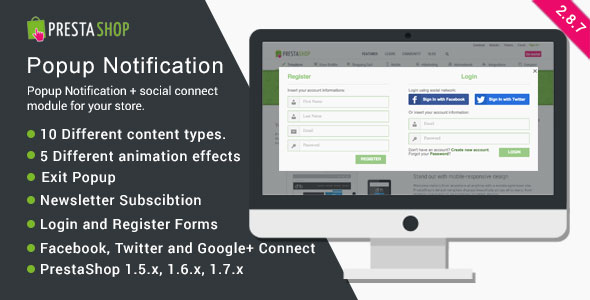 80% off
  80% off
  80% off
  80% off
  80% off
  80% off
  80% off