 80% off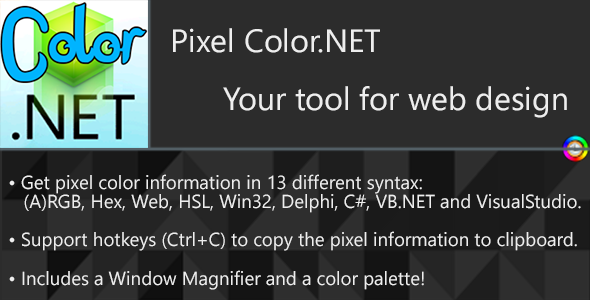
Apps · Windows
Pixel Color.NET – SnoopTool Deal
$2.40
$12
80% off
Price shown is 80% under Envato's own list price. Purchase, download and support all happen on CodeCanyon — nothing is fulfilled by SnoopTool. Not a cracked or pirated copy: "Buy Now" takes you to Envato's own checkout for the same official files and license as buying there directly.
| Category | Apps — Windows |
|---|---|
| Author | ElektroStudios |
| Last updated | 9 Jan 2017, 12:57 am IST |
| First published | 9 Jan 2017, 12:57 am IST |
About this item
Pixel Color.NET is a time-saver tool for programmers, to help you on your web or software design development. It translates the current pixel color that you see on the screen, to the selected format syntax.
The color can be represented in these formats:
RGB
ARGB
WEB
HEX
HSL
Win32
Delphi
C# Hexadecimal
C# Decimal
VB.NET Hexadecimal
VB.NET Decimal
Visual Studio’s Grid Hexadecimal
Visual Studio’s Grid Decimal
You can control the application behavior using these hotkeys:
Control+C: Copy the current format representation to clipboard.
Control+D: Show the window magnifier.
Control+E: Enable/Disable the app (useful to pause on the current pixel)
Control+A: Put the application window on top-most of the other windows
The window magnif
Category & tags
Licensing & support
Envato sells this item under its own Regular and Extended commercial licenses, and support (bug fixes, compatibility help) comes directly from ElektroStudios through Envato's own support system. SnoopTool doesn't set license terms, collect payment, or provide support — "Buy Now" takes you to CodeCanyon to complete all of that on the real listing.
More by ElektroStudios
80% off  80% off
  80% off
  80% off
  80% off
  80% off
  80% off
  80% off
 More in Apps
 80% off
  80% off
 .jpg) 80% off
80% off  80% off
  80% off
  80% off
  80% off
  80% off
  80% off
  80% off
  80% off
  80% off